
After Mint discontinued in January 2024, the personal-finance-tracker market split into three philosophical camps. Net-worth aggregators (Empower) focus on showing your complete financial picture. Budgeting-focused trackers (Quicken Simplifi, Monarch) add envelope or category-based planning to the data view. Spreadsheet-based trackers (Tiller) hand you the data in Google Sheets and let you build whatever analysis you want. We tested one representative from each camp over three months with the same household financial accounts to identify which philosophy fits which user.
The Three Philosophies And Who Each Serves

Net-worth aggregators serve users whose primary financial question is “how much do I have?” rather than “how much am I spending?” These users typically have multiple investment accounts, a paid-off home or mortgage, and reasonable spending discipline already. They want a clean dashboard showing total wealth trajectory, asset allocation across accounts, and net-worth changes month over month. Empower (formerly Personal Capital) dominates this category.
Budgeting-focused expense trackers serve users whose primary financial question is “where is my money going?” These users want category-level visibility into spending, optionally paired with budget targets that drive behavioral change. Quicken Simplifi, Monarch Money, and YNAB serve this user, with different tradeoffs in methodology rigor and aggregation depth.
Spreadsheet-based trackers serve users who want full control over their financial data and analysis. These users find the assumptions baked into other apps limiting (chosen categories, hidden algorithms for trend lines, prescribed report layouts). Tiller imports transactions into Google Sheets or Excel and lets the user build any visualization they want, at the cost of significant setup time.
Top Pick — Net Worth Aggregation
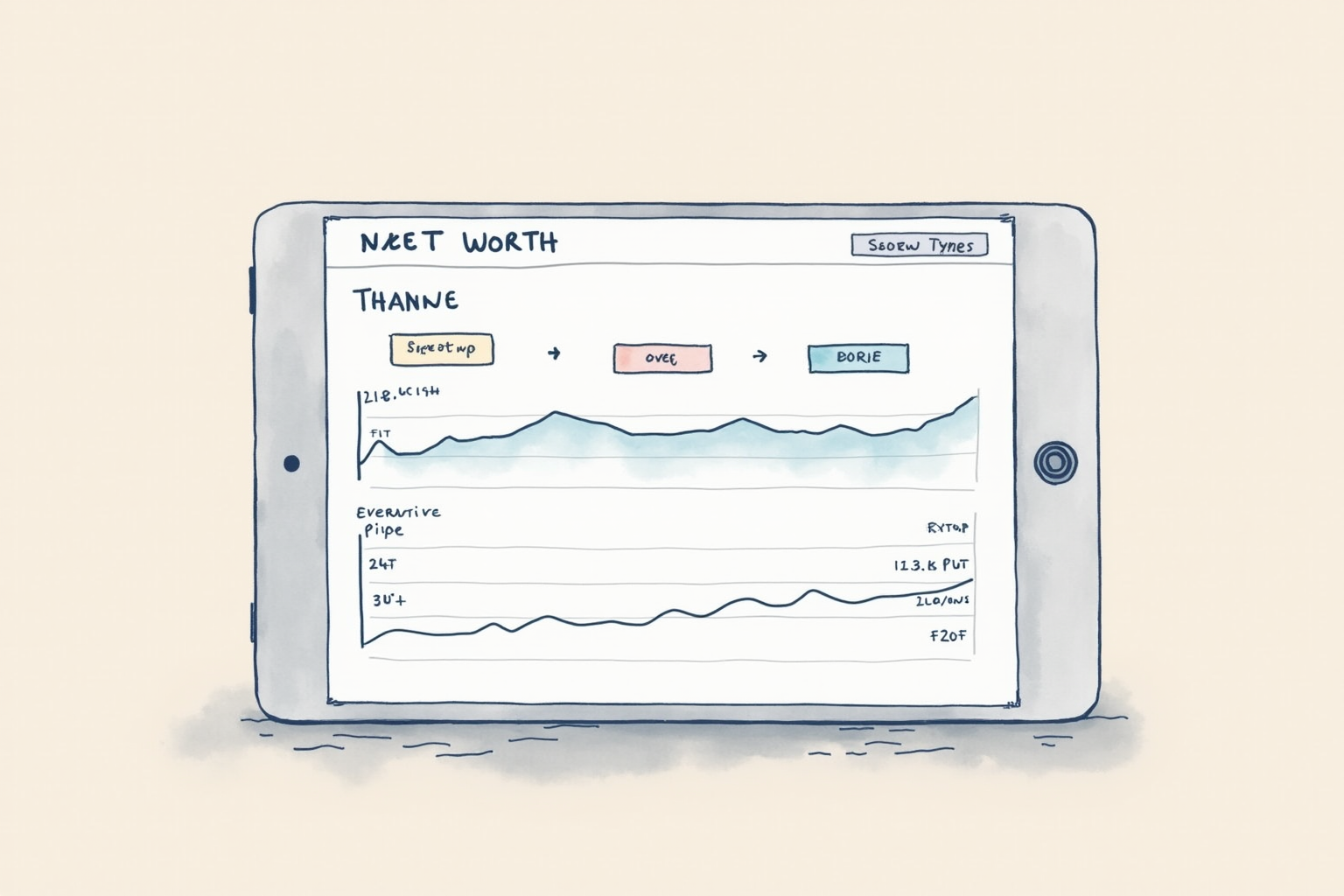
Empower Personal Wealth (formerly Personal Capital)
Price · Free for expense tracking and net worth tools
+ Pros
- · Best-in-class investment account aggregation and analysis
- · Free Investment Checkup analyzes portfolio fees and allocation
- · Net worth trend visualization across decades
- · Strong mobile app for at-a-glance financial overview
− Cons
- · Wealth management upsell calls from advisors after signup
- · Budgeting features less robust than dedicated budget apps
Price, availability, and ratings can change; verify details on the retailer page before buying.
Empower is the right choice for users with multiple investment accounts who want a unified view of their full financial picture without paying a subscription. The investment-account aggregation is the strongest in our test — it pulled Vanguard, Fidelity, Schwab, and 401k accounts cleanly, distinguished between tax-advantaged and taxable accounts, and surfaced asset allocation across all linked accounts in a single chart. The free Investment Checkup feature analyzes total portfolio fees (mutual fund expense ratios, advisory fees) and compares your actual allocation to recommended benchmarks for your risk profile.
The net-worth trend visualization is the second standout feature. Empower charts net worth monthly going back years, allowing visual identification of financial trajectory inflection points (job change, home purchase, market downturns). For users targeting long-term wealth-building goals, the visualization is motivating in a way that point-in-time numbers are not. The expected downside is the wealth management sales contact — after signup, expect 1 to 3 calls from Empower’s financial advisors offering managed-account services at 0.49 to 0.89 percent annual fees. A polite “no thanks” or simply not answering the calls is sufficient; the free product does not change after declining. Budgeting features exist but are basic compared to dedicated budget apps.
Budgeting Pick — Best Lightweight Budget Plus Aggregation

Quicken Simplifi
Price · $2.99/month (annual) or $5.99/month (monthly)
+ Pros
- · Lower price than YNAB or Monarch with similar feature breadth
- · Strong category-based spending tracking
- · Pulls from major banks reliably via Plaid OAuth
- · Custom reports and category-based budget views
− Cons
- · Less depth than YNAB or Monarch for serious budgeting
- · Mobile app design dated compared to newer competitors
Price, availability, and ratings can change; verify details on the retailer page before buying.
Quicken Simplifi is the right choice for users wanting reliable expense tracking with light budgeting features at a lower subscription cost than YNAB or Monarch. At 2.99 dollars monthly (annual billing) versus 7.99 to 14.99 for competitors, Simplifi delivers the core feature set: bank aggregation, category-based spending tracking, monthly budget targets, and net-worth visibility. Quicken (Intuit’s former personal-finance brand, spun off from Intuit in 2016) backs Simplifi with three decades of personal-finance software heritage.
The aggregation quality is solid — we connected eight accounts across five financial institutions and all maintained reliable data flow through three months of testing. The interview-style budget setup is friendlier than YNAB’s methodology-heavy approach but less rigorous about enforcing the budget. Users get a clear “you spent X versus budget Y” view without the active commitment YNAB requires. The honest limitation is that budgeting depth is lighter — users who want serious envelope-based or zero-based methodology will outgrow Simplifi within a few months and migrate to YNAB. For users seeking a step-up from a spreadsheet to a real tool without YNAB’s commitment level, Simplifi is the right transition.
Spreadsheet Pick — Maximum Control For Power Users

Tiller Money
Price · $79/year
+ Pros
- · Imports transactions into Google Sheets or Excel automatically
- · Full control over analysis, categories, and visualizations
- · Templates marketplace provides starter dashboards
- · Privacy-friendly — your data stays in your spreadsheet
− Cons
- · Requires comfort with spreadsheets and willingness to invest setup time
- · No mobile experience worth using — Tiller is desktop-first
Price, availability, and ratings can change; verify details on the retailer page before buying.
Tiller is the right tool for users who want full control over their financial data and analysis without trusting an app’s hidden algorithms. Tiller imports your transactions from connected accounts into a Google Sheets or Excel workbook each day, then you build any analysis you want using spreadsheet formulas. The template marketplace provides starter dashboards (monthly budget, net worth tracker, debt payoff visualization, investment tracker) that get most users started without building from scratch.
The advantage is total control. You can categorize transactions by any scheme you want (project codes, tax categories, custom labels), build whatever charts your visual brain prefers, and pivot data without waiting for the app developer to ship a feature. The disadvantage is setup time — expect 3 to 6 hours over the first week to configure your sheet to your preferences, plus weekly maintenance of 15 to 30 minutes for transaction review. Tiller suits users with above-average spreadsheet skills and below-average tolerance for opinionated software. Mobile users should look elsewhere; Tiller’s mobile experience is essentially read-only via the Sheets app and is not the strength of the tool.
What To Avoid
Three expense-tracking categories should not be your default. Free tools from credit-card issuers (Chase Spending Insights, Amex Spending Tracker) provide only single-account views and bias toward card usage. Mint successor attempts (Credit Karma’s basic tracking) are stripped-down to push credit-card marketing. Generic productivity apps with optional expense features (Notion templates, Airtable bases) lack the bank-aggregation that makes automated tracking practical.
Three Setup Habits That Compound Value
Connect all financial accounts in the first sitting, even ones you rarely think about (HSA, brokerage, savings, paid-off mortgage for the asset value). Missing accounts produce inaccurate net worth and incomplete spending visibility. Review and recategorize transactions weekly for the first month, then monthly thereafter; this trains the machine learning and produces accurate ongoing categorization. Set up monthly account-balance reviews where you compare reported balances against actual bank balances; this catches sync issues before they distort multiple months of data.
Bottom Line
Empower for users prioritizing net-worth visibility across multiple investment accounts. Simplifi for users wanting lightweight budgeting at a low monthly cost. Tiller for spreadsheet-power users wanting full control. Most users will pick one and stick with it for years; switching costs are modest but unnecessary unless the tool stops fitting your situation.
For more financial tools see our best budgeting apps comparison, credit monitoring deep dive, and the personal finance category.